VACATIO Kiosk · Unattended operations
From ID check to the room,
the guest does it all
Identity, payment, card key and room code — guests handle it at the kiosk. When something stalls, remote monitoring takes over.
The self check-in kiosk lets guests check in and receive their room key on their own — no front desk required.

The check-in flow
No one at the desk, and it still takes four steps
That is everything between walking into the lobby and heading up.
- 01
Find the booking
Enter a booking number or phone and the PMS pulls the reservation up automatically.
- 02
Verify identity
Insert an ID, look at the camera, and the two are matched on the spot. Only a verified guest moves on.
- 03
Pay
Any balance or add-on is paid by card right there.
- 04
Get the key
A card key prints or the room code appears on screen — and they head up.
What it does
Automated, but not careless
Booking lookup, identity, exception handling and upsell all run together.
01Live link to the PMS
MINJUN KIM Room 402
2026.08.04 ~ 08.06 · 2 nights
✓ Booking found automatically
Enter the booking number and the reservation loads itself — nobody at the desk has to look it up.
02Only the right person gets in
ID and face are matched live, so only the verified guest is let through.
03Help arrives remotely
Remote monitoring live
Unattended monitoring ON
Turn on remote monitoring and an operator steps in the moment something goes off-script.
04Upsell while they check in
Sell breakfast, a late checkout and other add-ons inside the check-in flow.
Better together
Kiosk and remote monitoring, in one go
A machine alone does not make a property unattended — someone has to catch what automation cannot. We propose both together.
- 01
When the machine stalls, a person steps in
If an ID will not read or a payment fails, an operator sees the same screen and handles it remotely.
- 02
Nights are covered too
Late arrivals and edge-case bookings that automation cannot take are picked up by an operator.
- 03
Nothing extra to arrange
Buy a kiosk alone and you still have to find monitoring. We propose both together.
Even when the machine stops, the guest does not wait.
Hardware
The actual equipment that goes on site
The body comes in slim and standard, and which modules go in is decided in the consultation to fit your property.
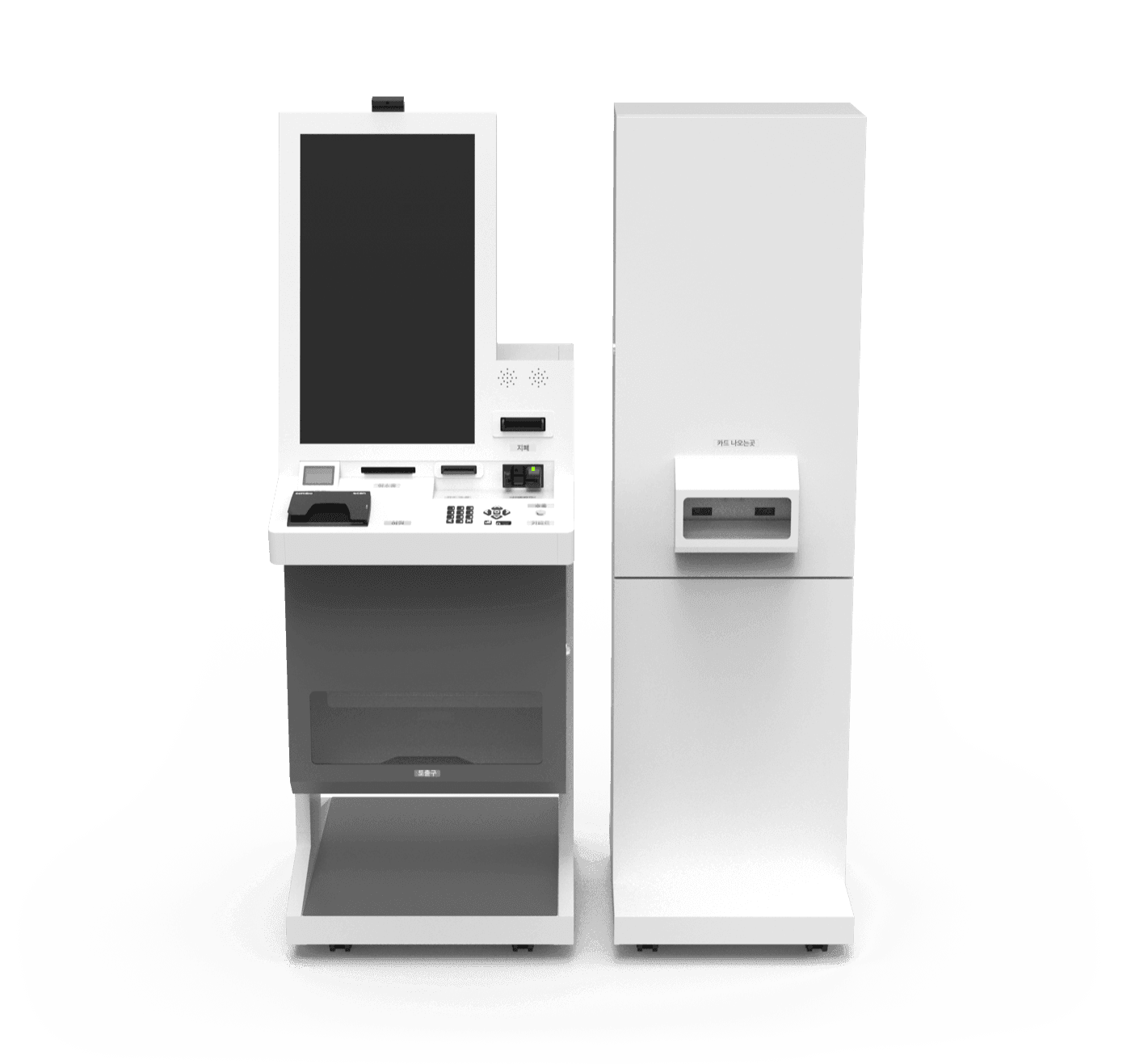
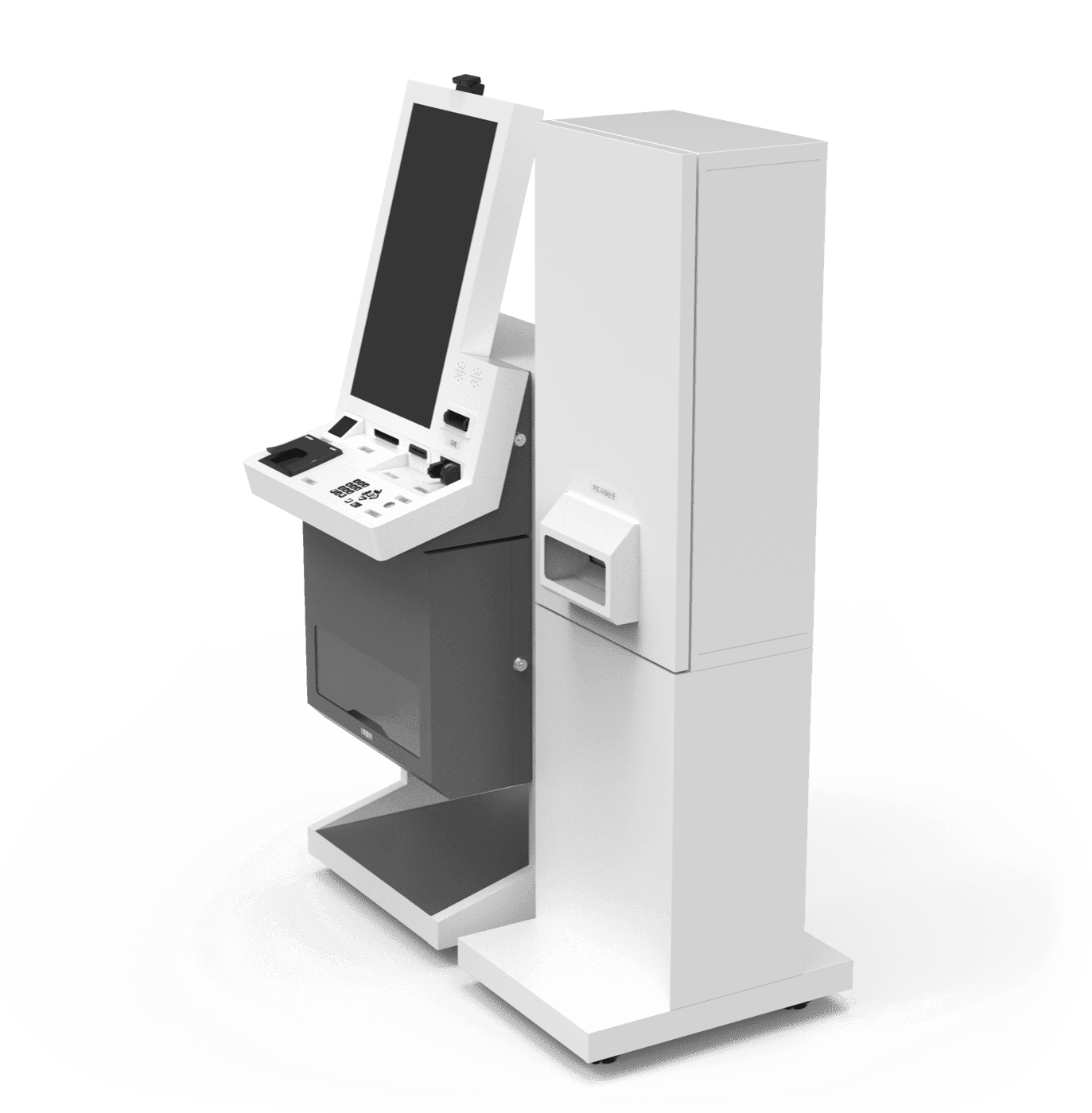
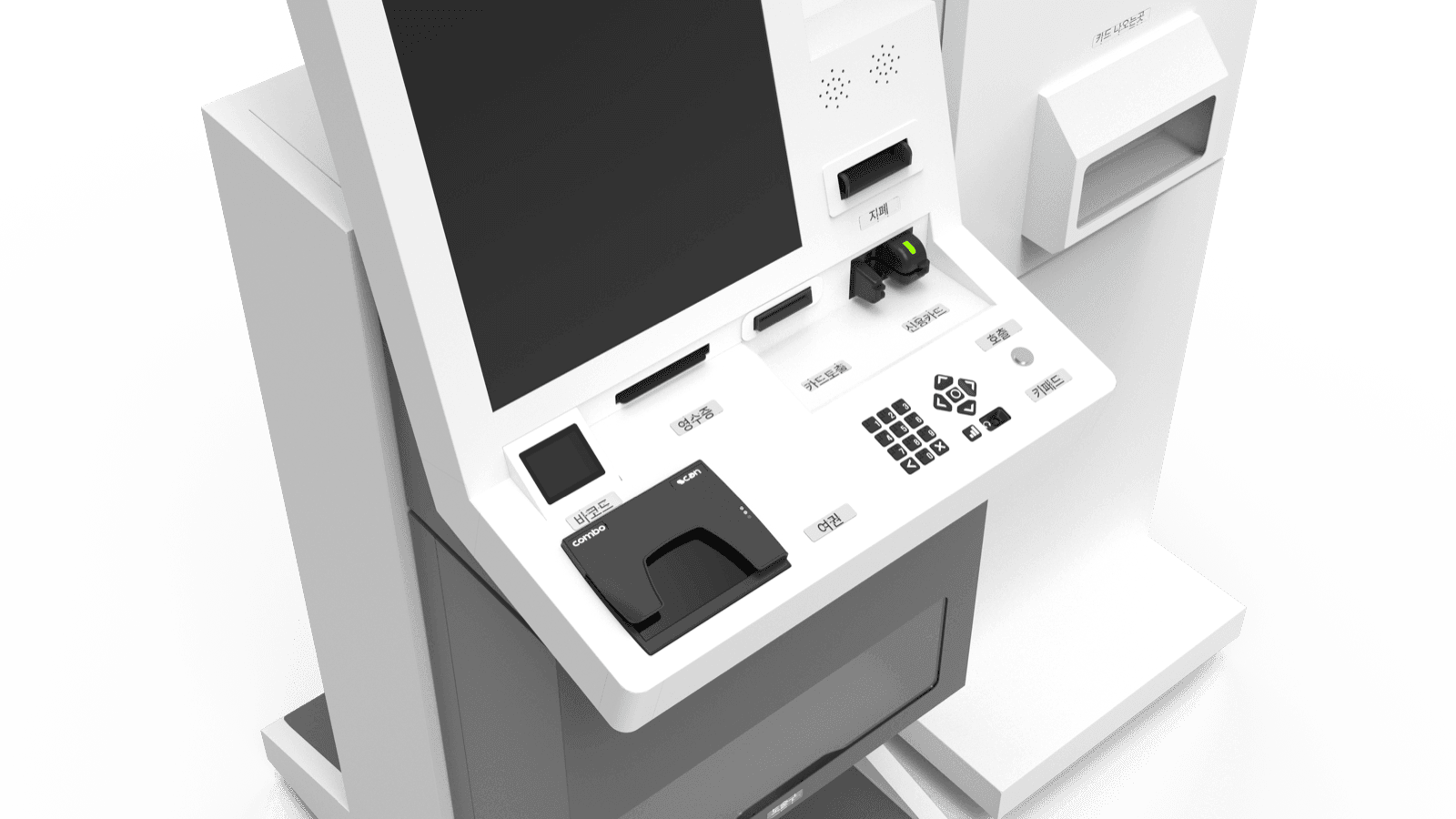
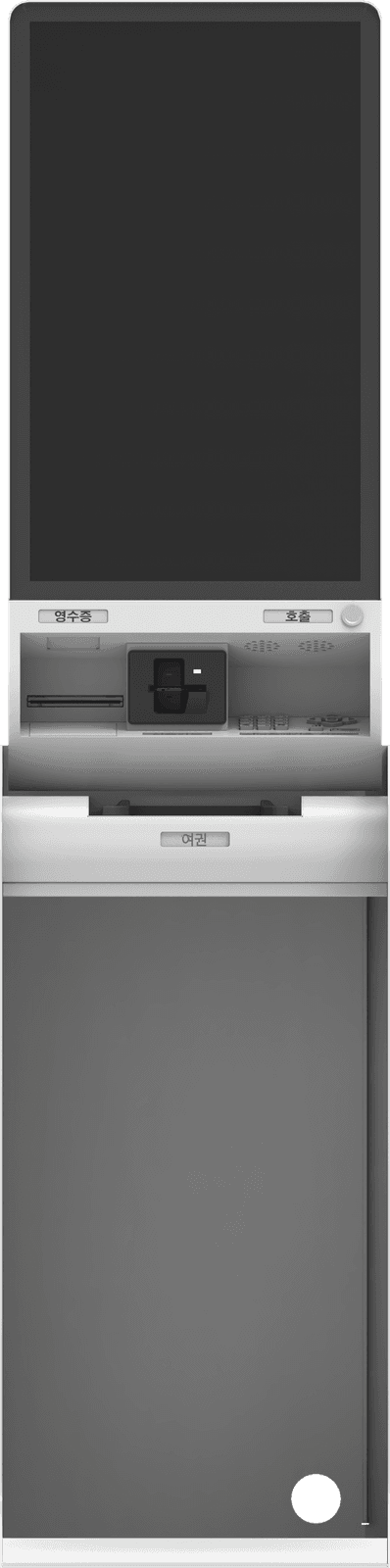


Body models
Modules you can add
ID and passport scanner
Reads national IDs through to passports.
Card payment and cash
Handles card payments and cash intake.
Card key dispenser
If your rooms use card keys, a separate dispenser can sit alongside.
Receipt printer
Prints the payment receipt on the spot.
Barcode scanner and keypad
Scan a booking barcode or type it in.
Call button
Reaches an operator when a guest needs help.
* Not every module listed is included by default. The mix depends on the model and what you need, and the final spec is confirmed in the consultation.
What changes
Leave the desk empty, and it still runs
No night desk needed
Guests check themselves in at 3 a.m. — there is no reason to keep someone standing by.
The queue disappears
Even when a group arrives, several people check in at once and the lobby wait shrinks.
Check-in becomes a sales moment
Breakfast and late checkout get offered naturally, lifting the average ticket.
Identity checks are on record
Who entered and when is logged, which makes operations steadier.
FAQ
FAQ
The screens are kept simple, and one press of the call button brings an operator in remotely. Most people get stuck at the ID scan, and that is exactly where we step in.
A passport scanner is built in, so foreign guests follow the same flow, with on-screen languages to match.
You can take the kiosk alone. But unattended only really works when someone can catch the exceptions, so we recommend running both.
It depends on the model and the modules you add. The slim body fits tight spots, while a separate key dispenser needs more floor. We confirm on site and propose a layout that fits your lobby.
From the VACATIO Column
We will work out the setup
that fits your lobby
Leave your details and we’ll get back within one business day.